
Travel Tips for Keeping Important Documents Safe
Traveling should be exciting, not stressful. Yet losing your passport, visa, or travel insurance papers can quickly turn a dream trip into a nightmare. The key to avoiding disaster lies in preparation and smart habits. By following proven travel tips for keeping important documents safe, you reduce risk, save time, and travel with confidence. Whether you’re heading across the country or around the world, protecting your documents is one of the most important steps you can take before departure.
Why Document Safety Matters When Traveling
Important travel documents are not just pieces of paper—they’re your access to entry, accommodation, and return. Losing them can lead to delays, extra costs, or even being stranded in a foreign country. A single misplaced passport can mean hours spent at an embassy or consulate, often at great expense.
Beyond physical loss, digital theft is a growing concern. Scammers and data thieves target travelers in airports, hotels, and public Wi-Fi networks. Without proper safeguards, your personal information could be compromised, leading to identity theft long after your trip ends.
The good news? Most document-related travel problems are preventable. With a few practical strategies, you can keep your documents secure from departure to return.
Essential Documents to Protect
Before diving into protection methods, identify what needs safeguarding. These are the core documents every traveler should prioritize:
- Passport (original and copies)
- Visa or entry permits
- Travel insurance policy and emergency contact details
- Flight and accommodation confirmations
- Driver’s license or international driving permit
- Credit cards and emergency cash
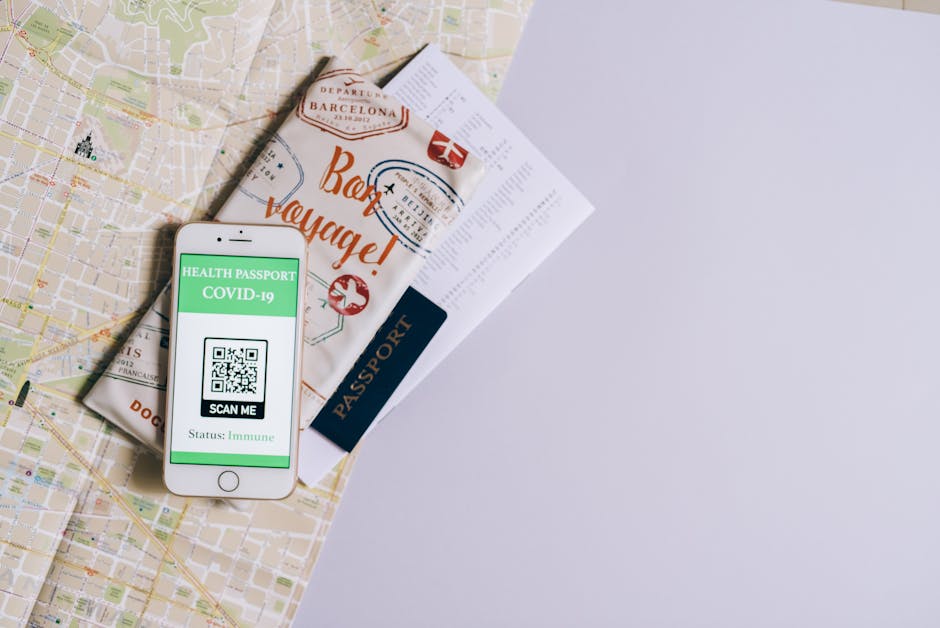
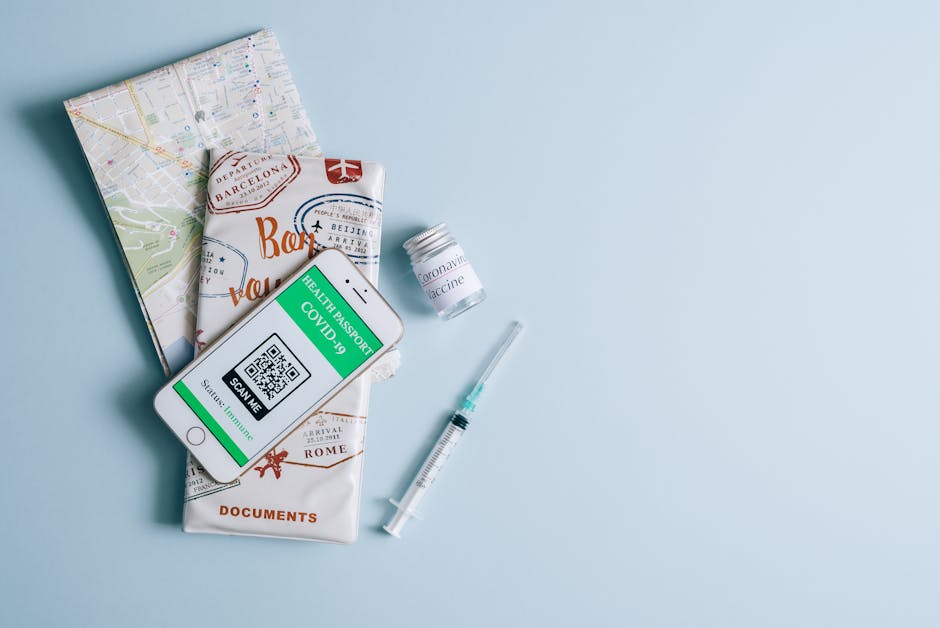
- Health records or vaccination certificates (e.g., yellow fever card)
- Emergency contact list
Each of these plays a role in your travel experience. Losing even one can complicate your journey. That’s why a layered approach to protection—physical, digital, and procedural—is essential.
Physical Protection: Keeping Originals Secure
Use a Travel Document Organizer
A dedicated travel wallet or document organizer is a simple but effective tool. Look for one with RFID-blocking material to prevent electronic skimming of credit cards and passports. Choose a slim, zippered design that fits in your carry-on or personal bag.
Keep your passport, boarding passes, and cash in this organizer. Avoid overloading it—only carry what you need for the day. Leave extra cards and documents in your hotel safe when possible.
Store Originals in a Secure Location
Never keep all your original documents in your day bag. Instead, store them in a locked hotel safe or a hidden travel pouch worn under your clothing. A money belt or neck wallet works well for passports and emergency cash.
If your accommodation doesn’t have a safe, consider using a portable travel safe that locks to a fixed object. These are lightweight and can secure documents in a drawer or closet.
Avoid Checking Important Documents
Always keep passports, visas, and travel insurance in your carry-on. Checked luggage can be lost, delayed, or tampered with. If your bag goes missing, you’ll still have access to critical documents.
Similarly, don’t leave documents in rental cars or unattended at cafes. Even a few minutes of inattention can lead to theft.
Digital Backup: Your Safety Net
Scan and Save Copies
Before you leave, scan every important document and save digital copies. Use your smartphone’s scanning app or a flatbed scanner for clarity. Save files in multiple locations: cloud storage (Google Drive, iCloud, Dropbox), email them to yourself, and store them on a password-protected USB drive.
Label files clearly: “Passport_JohnDoe_2024,” “Visa_Japan_Entry,” etc. This makes retrieval quick and easy if you need to prove identity or rebook flights.
Use Encrypted Storage for Sensitive Files
For added security, encrypt sensitive files before uploading. Tools like VeraCrypt or built-in device encryption (BitLocker on Windows, FileVault on Mac) protect your data if your device is lost or stolen.
Avoid saving unencrypted copies on public computers or unsecured networks. If you must access documents on the go, use a trusted device and a secure connection.
Share Access with a Trusted Contact
Give a family member or close friend access to your digital backups. Share login details for cloud storage or send encrypted files via secure messaging apps like Signal.
In an emergency, they can help you retrieve documents, contact your embassy, or assist with rebooking. Make sure they know how to access the files and understand their importance.
Smart Habits While Traveling
Carry Only What You Need
Each day, assess which documents you’ll actually use. For a day trip to a museum, you may only need your ID and a credit card. Leave your passport and extra cash in your room safe.
This reduces the risk of loss and makes your bag lighter. It also minimizes exposure if your bag is stolen.
Be Cautious in Crowded Areas
Pickpockets thrive in busy tourist spots, public transport, and markets. Keep your document organizer zipped and close to your body. Avoid placing bags on the floor or hanging them on chair backs.
If you’re in a high-risk area, consider using a crossbody bag with a slash-proof strap and hidden zippers. Stay alert, especially during pickpocket hotspots like train stations or festivals.
Check Documents Regularly
Make it a habit to verify your documents at the end of each day. Count your cash, check that your passport is in its designated spot, and ensure digital backups are still accessible.
This routine helps catch issues early. If something is missing, you’ll know immediately and can take action before it becomes a bigger problem.
What to Do If Documents Are Lost or Stolen
Report the Loss Immediately
If your passport is lost or stolen, report it to local police and your country’s embassy or consulate right away. Most embassies have 24/7 emergency lines for travelers.
Having a police report strengthens your case when applying for a replacement. It also helps prevent identity fraud.
Use Your Digital Backups
Your scanned copies will be invaluable during the replacement process. Embassies often require proof of identity and travel plans. Having digital access to your passport photo page, visa, and flight details speeds up assistance.
Print copies if possible, or show them on your phone. Some consulates accept digital submissions via email or secure portals.
Contact Your Travel Insurance Provider
If you have travel insurance, notify your provider as soon as possible. Many policies cover emergency document replacement, temporary lodging, and transportation to an embassy.
Keep your policy number and emergency contact details handy—ideally in your phone and printed in your travel organizer.
Country-Specific Considerations
Some destinations have stricter document requirements. In countries like Japan or the UAE, you may need to carry your passport at all times. In others, like parts of Europe, a national ID card suffices for EU citizens.
Research local laws before you go. Some nations require foreigners to register with local authorities upon arrival. Others may confiscate your passport during your stay—common in certain resort areas or long-term visa situations.
Always check government travel advisories (like those from the U.S. State Department or UK Foreign Office) for up-to-date entry requirements and safety tips.
Technology Tools to Enhance Security
RFID-Blocking Products
RFID skimming is a real threat in crowded areas. Thieves use handheld scanners to steal data from contactless credit cards and e-passports. RFID-blocking wallets, sleeves, and passport covers prevent this by shielding the signal.
While not foolproof, these products add a layer of protection. They’re inexpensive and widely available online or at travel stores.
GPS Trackers for Bags
Attach a small GPS tracker (like Apple AirTag or Tile) to your luggage or document bag. If your bag is lost or stolen, you can locate it via your smartphone.
This won’t prevent theft, but it increases the chances of recovery. Some trackers also send alerts if your bag moves unexpectedly.
Secure Messaging and Cloud Apps
Use encrypted messaging apps to share sensitive information. Avoid sending passport scans over public Wi-Fi or unsecured email.
Cloud storage with two-factor authentication (2FA) adds another layer of security. Enable 2FA on all accounts that store your travel documents.
Final Pre-Trip Checklist
Before you leave, run through this quick checklist to ensure your documents are protected:
- ✅ Scanned and backed up all important documents
- ✅ Shared access with a trusted contact
- ✅ Packed originals in a secure, carry-on location
- ✅ Carried only necessary items for the day
- ✅ Enabled 2FA on cloud accounts
- ✅ Saved embassy contact info in your phone
- ✅ Purchased travel insurance with document coverage
- ✅ Researched local document requirements
Taking 15 minutes to complete this list can save you hours—or days—of stress later.
Common Mistakes to Avoid
Even experienced travelers make errors. Avoid these common pitfalls:
- Relying solely on digital copies: Not all countries accept digital passports. Always carry the original.
- Leaving documents in checked luggage: If your bag is lost, you lose access.
- Using public Wi-Fi to access sensitive files: Use a VPN or wait for a secure connection.
- Not making physical copies: Phones can die or get stolen. Printed backups are a reliable fallback.
- Ignoring local laws: Some countries require you to carry ID at all times. Fines or detention can result from non-compliance.
Being aware of these risks helps you stay one step ahead.
FAQ
What should I do if my passport is stolen abroad?
Report the theft to local police immediately, then contact your country’s nearest embassy or consulate. They will guide you through the replacement process. Having digital copies of your passport and travel plans will speed up assistance.
Is it safe to store scanned documents in the cloud?
Yes, if you use encrypted cloud services and enable two-factor authentication. Avoid saving unencrypted files or sharing them over public networks. Password-protect sensitive files before uploading.
Do I need to carry my passport at all times while traveling?
It depends on the country. Some nations require foreigners to carry ID constantly, while others allow you to leave your passport at your accommodation. Always check local regulations before your trip.