
Travel Tips for Keeping Electronics Safe on Trips
Keeping your electronics safe while traveling is essential to avoid theft, damage, or data loss. Whether you’re carrying a smartphone, laptop, camera, or power bank, a few smart habits can protect your devices from common travel hazards. Use padded cases, keep devices with you at all times, and back up data before departure. Avoid leaving gadgets in checked luggage, and always use secure charging methods. These practical steps help ensure your tech stays functional and secure throughout your journey.
Why Electronics Safety Matters When Traveling
Modern travel relies heavily on electronics—phones for navigation, cameras for memories, laptops for work, and tablets for entertainment. Losing or damaging these devices can disrupt plans, compromise personal data, and lead to costly replacements. Airports, hotels, and public transit are high-risk zones for theft or accidental damage. A single dropped phone or stolen bag can ruin an otherwise smooth trip. Protecting your electronics isn’t just about convenience; it’s about preserving your safety, productivity, and peace of mind.
The Cost of Neglect
Replacing a stolen laptop or water-damaged camera can cost hundreds or even thousands of dollars. Beyond the financial hit, lost devices may contain sensitive information like passwords, photos, or work files. Identity theft and data breaches are real risks if devices fall into the wrong hands. Travel insurance may cover some losses, but claims can be time-consuming and may not restore what’s truly valuable—your personal data and memories.
Common Travel Hazards for Electronics
Electronics face multiple threats on the road. Theft is common in crowded areas like train stations, tourist spots, and hotel lobbies. Physical damage occurs from drops, spills, or pressure in luggage. Power surges at foreign outlets can fry chargers and devices. Unsecured Wi-Fi networks expose data to hackers. Even temperature extremes in airplane cargo holds can harm batteries. Awareness of these risks is the first step toward prevention.
Pre-Trip Preparation: Setting Up for Success
Preparation is the foundation of electronics safety. Start by backing up all important data to cloud services like iCloud, Google Drive, or Dropbox. This ensures photos, documents, and contacts aren’t lost if a device is damaged or stolen. Update your device software and enable remote tracking features such as Find My iPhone or Find My Device for Android. These tools help locate lost gadgets and allow remote wiping to protect privacy.
Pack Smart: Choosing the Right Gear
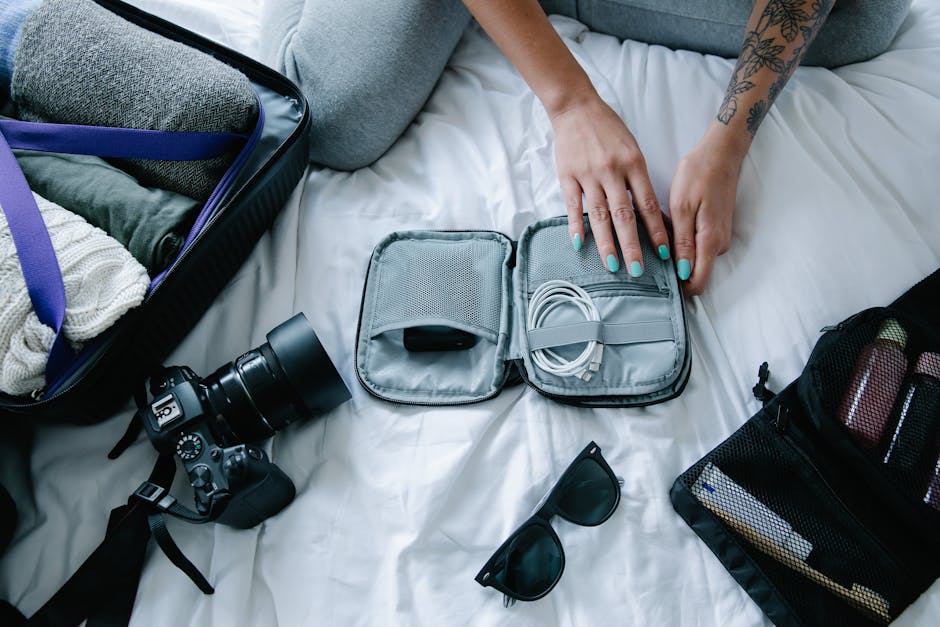
Invest in quality protective cases for phones, tablets, and laptops. Look for shock-absorbing materials and water resistance. Use padded camera bags with customizable compartments. For chargers and cables, pack them in a dedicated tech organizer to prevent tangling and damage. Consider a hard-shell carry-on bag with a dedicated electronics compartment. Avoid overpacking—tight spaces increase the risk of crushing delicate components.
Essential Items to Bring
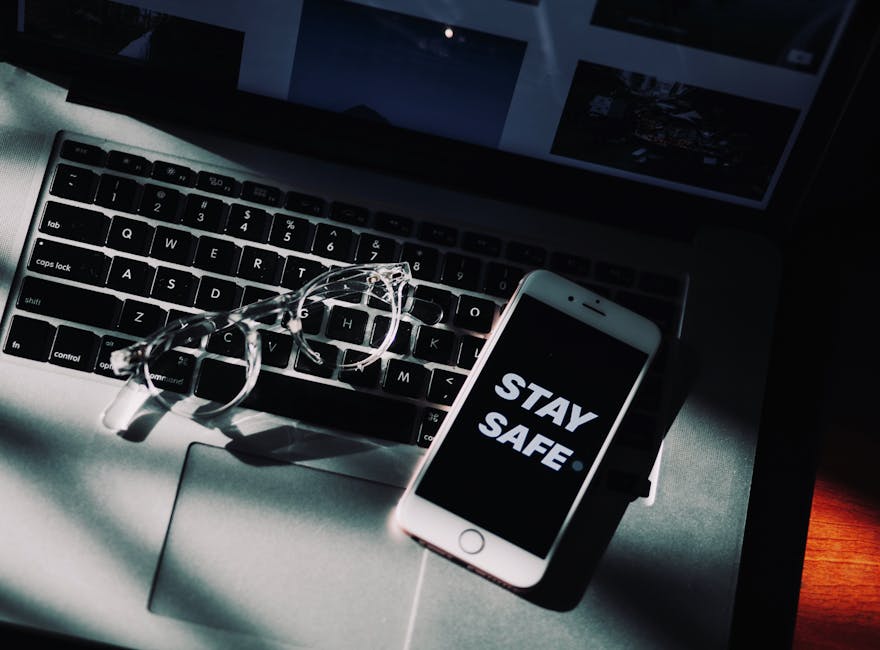
Bring only what you need. A phone, charger, and portable battery pack cover most travelers’ needs. If you’re working remotely, include a lightweight laptop and universal adapter. For photography enthusiasts, bring extra memory cards and lens caps. Leave unnecessary gadgets at home—fewer devices mean less to lose. Always carry a microfiber cloth for cleaning screens and a small flashlight for inspecting dark spaces like hotel drawers or under seats.
During Travel: Protecting Devices on the Go
Once you’re on the move, vigilance is key. Never leave electronics unattended, even for a moment. Use hotel safes for devices you don’t need during the day. When in public, keep bags zipped and close to your body. Be discreet—avoid displaying expensive gadgets in crowded areas. If you must charge in public, use your own charger and avoid unknown USB ports, which can be used for data theft.
Airport and Flight Safety
Always carry electronics in your carry-on luggage. Checked bags are more prone to rough handling and theft. At security checkpoints, keep devices easily accessible for screening. Use TSA-approved locks on bags, but avoid locking devices themselves. During flights, store small items in seatback pockets or under the seat in front of you. Never place electronics in overhead bins where they can shift or fall.
Hotel and Accommodation Tips
Upon checking in, inspect your room for safety. Use the in-room safe for laptops, cameras, and extra cash. If no safe is available, ask the front desk to store valuables. Be cautious with room keys—some older systems use RFID, which can be scanned remotely. Cover keypads when entering codes. Avoid using public computers for sensitive tasks like banking. If you must, use a virtual private network (VPN) to encrypt your connection.
Charging and Power Management
Power issues are a common travel headache. Different countries use varying plug types and voltages. A universal travel adapter ensures compatibility, but it doesn’t convert voltage. Check device labels—most modern chargers support 100–240V, but older devices may not. Using the wrong voltage can damage electronics. Always unplug devices during thunderstorms or power outages to avoid surges.
Safe Charging Practices
Use only certified chargers and cables. Counterfeit chargers may lack safety features and pose fire risks. Avoid charging devices on beds or couches where they can overheat. Never leave devices charging overnight unattended. Portable battery packs are convenient but should be stored in carry-on luggage due to airline restrictions on lithium batteries in checked bags.
Dealing with Power Outages
In areas with unreliable electricity, conserve battery life by lowering screen brightness, turning off Wi-Fi and Bluetooth when not in use, and enabling power-saving modes. Carry a high-capacity power bank with at least 10,000mAh to charge phones multiple times. Solar chargers are useful for outdoor adventures but may be slow in cloudy conditions. Always have a backup plan—know where to find public charging stations or cafes with outlets.
Data Security and Privacy
Protecting data is as important as protecting hardware. Use strong, unique passwords for all devices and accounts. Enable two-factor authentication (2FA) wherever possible. Avoid logging into sensitive accounts on public Wi-Fi. If you must connect, use a reputable VPN to encrypt your traffic. Disable auto-connect features that might link to unsecured networks without your knowledge.
Remote Wiping and Tracking
Enable remote wipe and tracking features before you travel. On iPhones, activate Find My iPhone. On Android, set up Find My Device. These tools let you locate your device, lock it, or erase data if stolen. Test these features at home to ensure they work. Keep a record of device serial numbers and IMEI codes in a secure location—this helps with recovery and insurance claims.
Backup Strategies
Regular backups prevent data loss. Use cloud services for automatic backups of photos, contacts, and documents. For extra security, carry a portable hard drive or USB flash drive to store encrypted copies of important files. Encrypt sensitive data using built-in tools like BitLocker (Windows) or FileVault (Mac). Avoid storing passwords in plain text—use a trusted password manager instead.
Dealing with Theft or Loss
If a device is lost or stolen, act quickly. Use tracking apps to locate it. If recovery isn’t possible, remotely lock or wipe the device to protect your data. Report the theft to local authorities and obtain a police report—this is often required for insurance claims. Contact your mobile carrier to suspend service and prevent unauthorized use. Notify your bank if payment apps were accessed.
Insurance and Documentation

Check if your homeowner’s or renter’s insurance covers travel-related electronics loss. Some credit cards offer purchase protection for items bought with the card. Consider travel insurance with electronics coverage for high-value items. Keep receipts, photos, and serial numbers of your devices in a secure digital folder. This documentation speeds up claims and increases the chance of reimbursement.
Special Considerations for Different Destinations
Travel risks vary by location. In high-theft areas like major cities or tourist hotspots, extra caution is needed. Avoid flashing expensive gear in crowded markets or on public transport. In remote areas, prioritize durability and battery life over features. Desert environments require protection from sand and heat, while tropical climates demand moisture-resistant storage. Research local customs—some countries restrict certain electronics or require permits for drones.
International Travel Tips
When traveling abroad, research plug types and voltage standards. Europe uses Type C and F plugs, while the UK uses Type G. Japan and the U.S. use Type A and B. Bring the right adapters. Be aware of roaming charges—use local SIM cards or international plans to avoid high fees. Some countries inspect electronic devices at customs, so be prepared to explain their use. Avoid carrying large quantities of the same item, which may raise suspicion.
Eco-Friendly and Sustainable Practices
Travel sustainably by minimizing electronic waste. Carry reusable charging cables and avoid single-use batteries. Choose energy-efficient devices and power-saving settings. Recycle old electronics responsibly before trips. Support brands with strong environmental policies. Small choices reduce your carbon footprint and promote responsible travel.
Final Checklist Before You Go
- Back up all data to the cloud and an external drive
- Enable remote tracking and wiping on all devices
- Pack devices in padded, organized cases
- Bring only essential electronics and certified chargers
- Use a universal adapter and portable power bank
- Secure devices in carry-on luggage during flights
- Use hotel safes and avoid public USB charging
- Protect data with strong passwords and a VPN
- Keep device documentation and insurance info handy
FAQ
Q: Should I pack electronics in checked luggage?
A: No. Always carry electronics in your carry-on bag. Checked luggage is more vulnerable to theft, rough handling, and extreme temperatures that can damage devices.
Q: Can I charge my phone using a public USB port?
A: It’s not recommended. Public USB ports can be used for data theft (juice jacking). Use your own charger and outlet, or a portable power bank instead.
Q: What should I do if my laptop is stolen while traveling?
A: Immediately use remote tracking to locate it. If recovery isn’t possible, remotely wipe the data. Report the theft to local police and contact your insurance provider with documentation.